How to Use a Promo Code: 5 Easy Steps and Fixes
This guide shows how to use a promo code at an online checkout, where the code box usually sits, and what to try when a code is rejected. It is written for any store, because most checkouts follow the same pattern.
Quick answer: Add eligible items to your cart, open the cart or checkout page, find the box labelled promo code, coupon code or discount code, paste the code, press Apply, and confirm that the total went down before you pay.
Who this guide is for
It explains how to use a promo code to shoppers who have a code from an email, an ad, a creator or a coupon page and want it to work the first time. It is also for anyone who has seen an invalid code message and does not know why.
How to use a promo code step by step
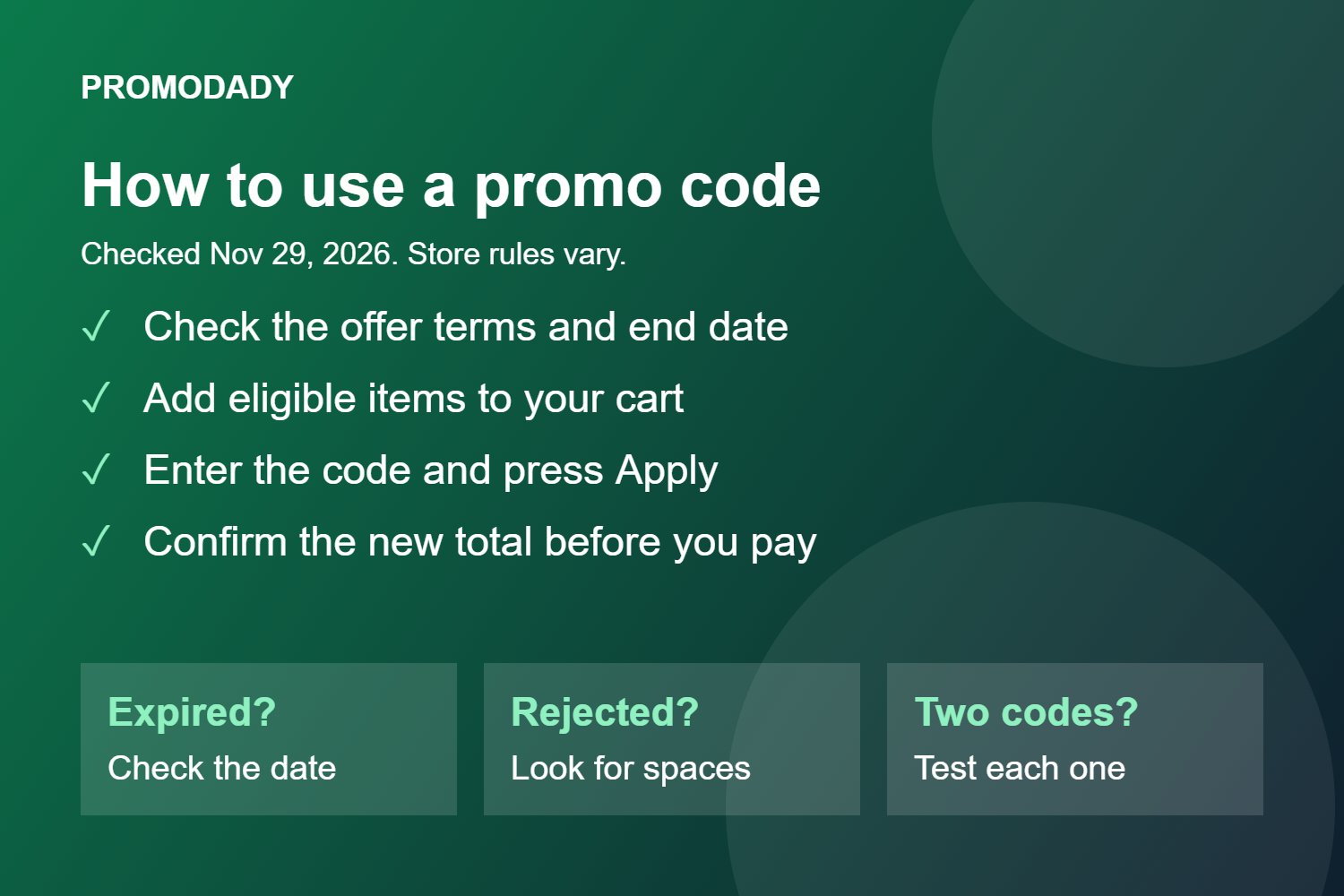
- Read the offer first. Check the end date, the minimum order, and which products, sizes or categories count.
- Add eligible items to your cart. A code for one category will not discount items outside it.
- Open the cart or checkout page. Some stores show the code box in the cart, others only near the payment step.
- Enter the code and press Apply. Copy it from the original source so that no character changes.
- Check the new total. Look for a discount line in the order summary. Pay only after you see it.
Where the promo code box usually is
Look in the order summary, next to or under the subtotal. The label varies: promo code, coupon code, discount code, voucher or offer code. Some stores hide the field behind a small link that asks whether you have a code, so open that link if you see no box.
Gift card and promo code fields can look alike. A gift card is prepaid money, while a promo code is a discount, so each one belongs in its own field.
Where to find a promo code
- The store website, especially the top banner and any sale or offers page.
- Store emails and text messages, including welcome offers for new subscribers.
- The store app or your account page.
- Programs for students or other groups, where the store offers one.
- Coupon pages. Treat any listed code as untested until your own total changes.
Be careful with offers that ask you to share card details or a password just to see a code. Enter payment information only on the store you meant to visit. Our guide on checking whether an online store is legit shows the kind of checks to run on a shop you do not know.
How to copy and paste a promo code
On a phone: press and hold on the code, choose Copy, tap the code box, then press and hold again and choose Paste.
On a computer: select the code, press Ctrl and C (Command and C on a Mac), click the box, then press Ctrl and V (Command and V on a Mac).
After pasting, check for a space before or after the code. Also watch for characters that look alike, such as the letter O and the number zero. Some stores treat capital letters as different from small letters, so keep the code exactly as written.
How to use a promo code in an app or subscription
Apps and subscriptions often use their own redeem screen instead of a checkout box. For Google Play, the Google Play help page on promotions lists this path: open the Play Store app, tap your profile icon, choose Payments and subscriptions, choose Redeem code, then enter the code.
For other services, look for a redeem option in your account, payment settings or plan screen before you subscribe.
Promo code example
Here is how to use a promo code in practice, with made up numbers. Your cart is 50 dollars and the offer takes 20 percent off. After the code applies, the discount line shows 10 dollars and the items cost 40 dollars. Shipping and tax may still be added, so read the final total and not only the discount line.
Why a promo code does not work
| Likely reason | What to try |
|---|---|
| The code has expired | Check the end date and look for a current offer |
| Typing error or hidden space | Copy it again, or type it by hand |
| Order is below the minimum | Compare your subtotal with the required amount |
| Items are excluded | Read the exclusions, such as sale items or certain brands |
| New customers only | The offer may not apply to an existing account |
| Already used | Single use codes will not apply a second time |
| Wrong field | Move it out of the gift card or referral box |
| Wrong country or account | Check where the offer is valid and which account received it |
If the code meets every rule and still fails, contact the store and send the code, the offer wording and a screenshot of your cart. Do not place the order in the hope that the discount will appear later unless the store confirms it in writing.
Promo code terms to read first
A short read saves time. Look for the end date and time zone, the minimum spend, product exclusions, the number of uses, whether the offer is for new customers, and whether it covers shipping. Also check the return policy, because a refund is usually based on what you actually paid.
Can you stack promo codes
Often you cannot. Many stores accept one code per order, as the Vistaprint help center states for its own checkout. A code may still work alongside a sale price or a free shipping threshold, but that depends on the store. When you hold two codes, apply each one alone, note both totals, and keep the lower one.
Promo code FAQs
How do promo codes work?
If you know how to use a promo code, the rest is automatic. The checkout compares the code with the offer rules. If your cart and account qualify, it subtracts the discount from the order before payment.
Where do I find my promo code?
Search your email inbox and spam folder for the store name, then check the store app and your account page.
Can I add a promo code after I pay?
Usually the box closes once the order is placed. You can ask the store for help, but it may say no.
What does enter coupon code mean?
It is the field where you type or paste a discount code so the store can apply it to your order.
Why does my code work on some items only?
The offer likely excludes certain products, brands or categories. The terms should say which items count.
Sources
Checked on November 29, 2026. Store rules change, so the terms on the offer you hold come first. Once you know how to use a promo code, those terms are the first thing to check each time.